Archive
The older views, still working
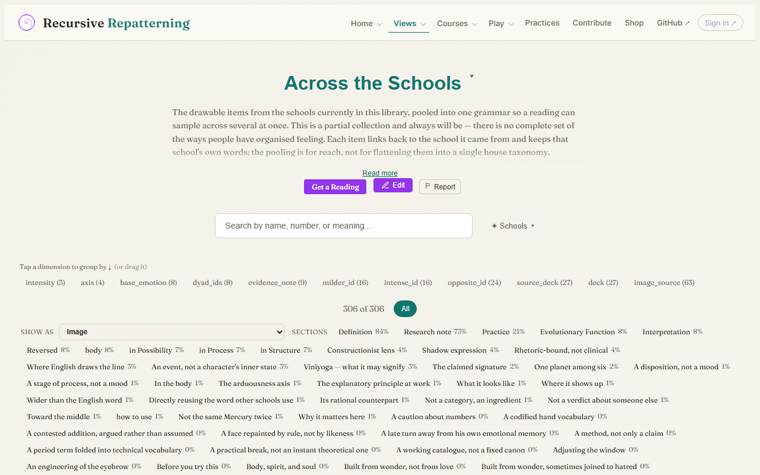
Most reading now happens in recursive.eco Play, which draws every grammar as Cards, Tree, Continuous or a Playlist. The pages this site used for the same job live here, unchanged, so you can still open them, copy them, or build your own.
Nothing has moved yet. The 32 schools are not in recursive.eco yet (schools/_eco_ids.json is empty), so no page here can say "now in Play". Once they are imported, Cards, Tree, the one-school page (deck.html), the Course view and the Channels list move here, the way the tarot site did.
Build your own
Every page above is one HTML file that reads a grammar.json in the browser. No server, no build step. You can copy one into your own repo, change how it draws, and still have your grammars open in recursive.eco.
- 1
How a page reads a grammar
The page takes the grammar’s path in its address,
?src=../schools/<slug>/grammar.json, fetches that file and draws itsnodes: each node has aname, animage_urlandsections(named texts). The format is written down at recursive.eco/docs/grammar-format.html. The smallest page that does it isdeck.html+loader.jsin the tarot repo (about 80 lines, no libraries). - 2
Copy it into your own repo
Make a GitHub repo with your grammars at
schools/<slug>/grammar.json. Copy the page (viewers/cards.html) and the helpers it loads (viewers/grammar-loader.js), and if you like the look,theme.cssand the header. Keep the page one folder below the root, as here, so its../paths still land. Add an empty.nojekyllfile (without it GitHub Pages hides every file whose name starts with_), then turn Pages on: Settings → Pages → Deploy from a branch → main, / (root). Your page is athttps://<you>.github.io/<repo>/archive/cards.html?src=../schools/<slug>/grammar.json. Change the drawing code as much as you like: the grammar stays the same file. - 3
Link your repo to recursive.eco
Add a
recursive-eco.jsonat the root of your repo (this site’s recursive-eco.json is a working example: a name, a slug, and where the grammars are). In recursive.eco, open Create → Import → Link a GitHub repo, paste your repo’s address, install the recursive.eco GitHub app on that repo, then tap Import them. Each grammar gets an id; write the slug → id pairs in a file like this site’sschools/_eco_ids.json, and your page can offer “Open in Play”:https://recursive.eco/play?id=<id>.
To put an archived page back where it was, see archive/REVERT.md.